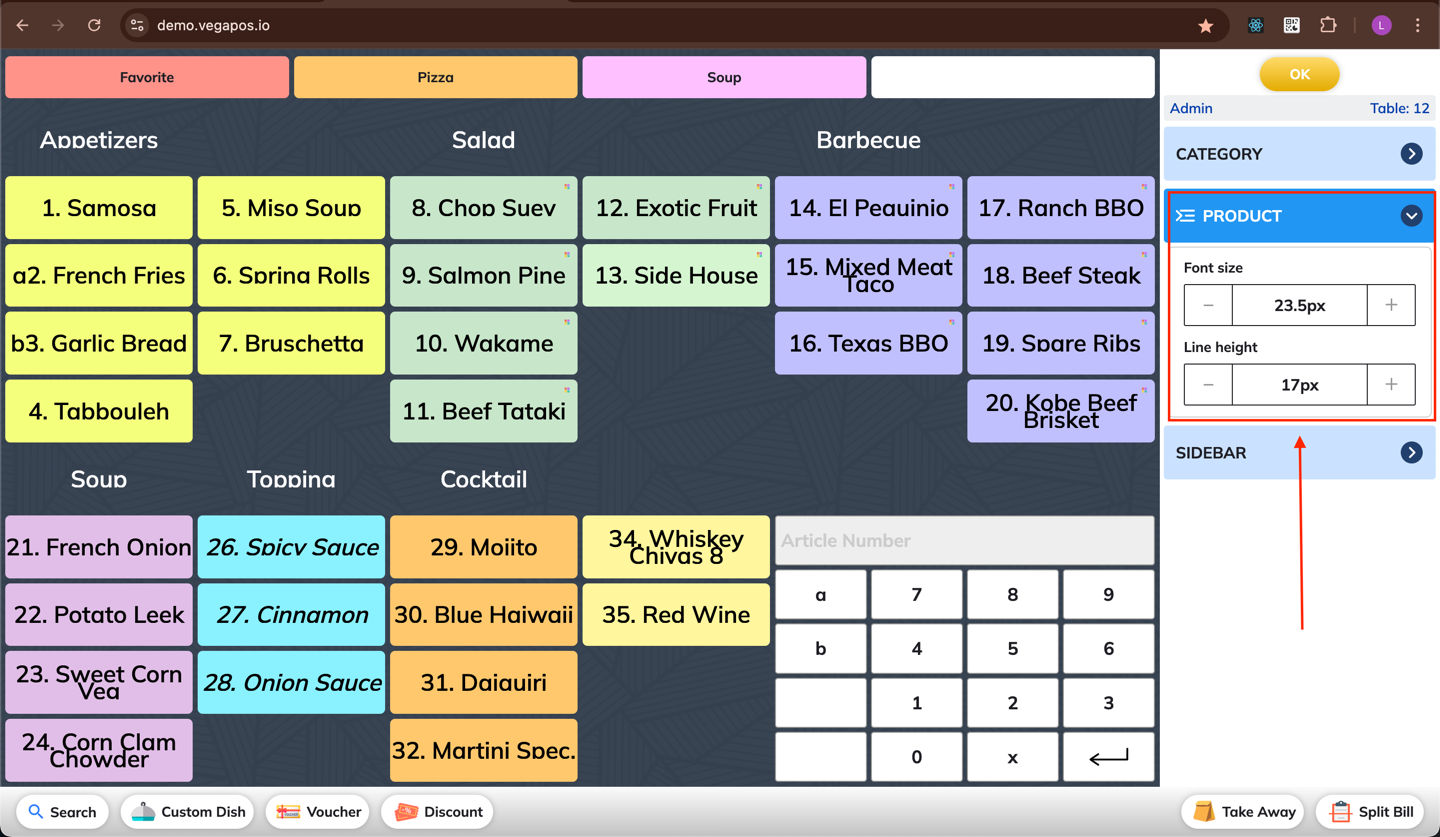
Edit Screen
Use the Edit Screen feature to customize the layout of the order screen to better suit your workflow.
You can modify the Order screen by changing some characteristics of categories, product items, bottom bar and sidebar such as height, font size, etc.
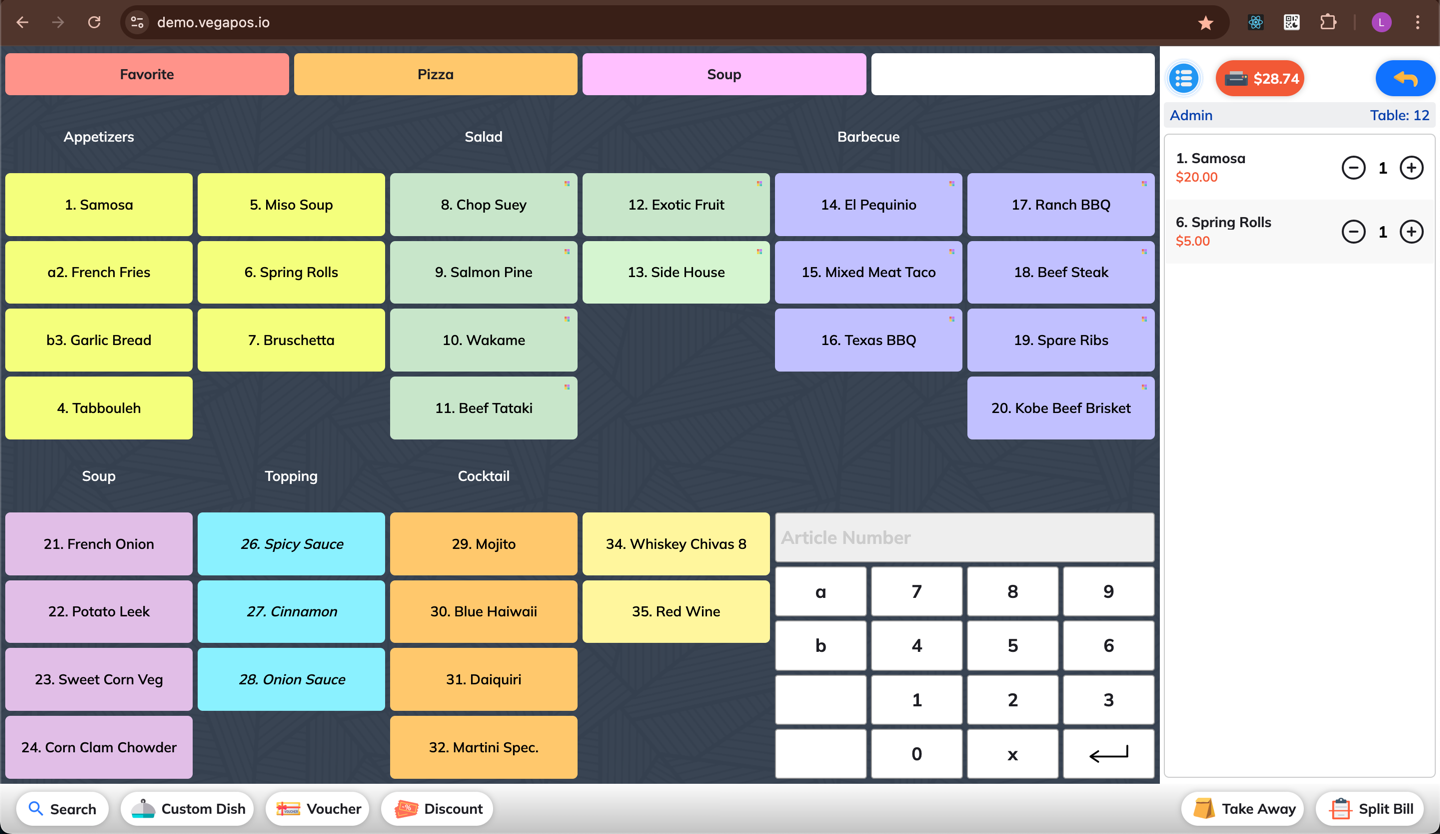
1. Open the Order Screen
Start a new order or open an existing one.
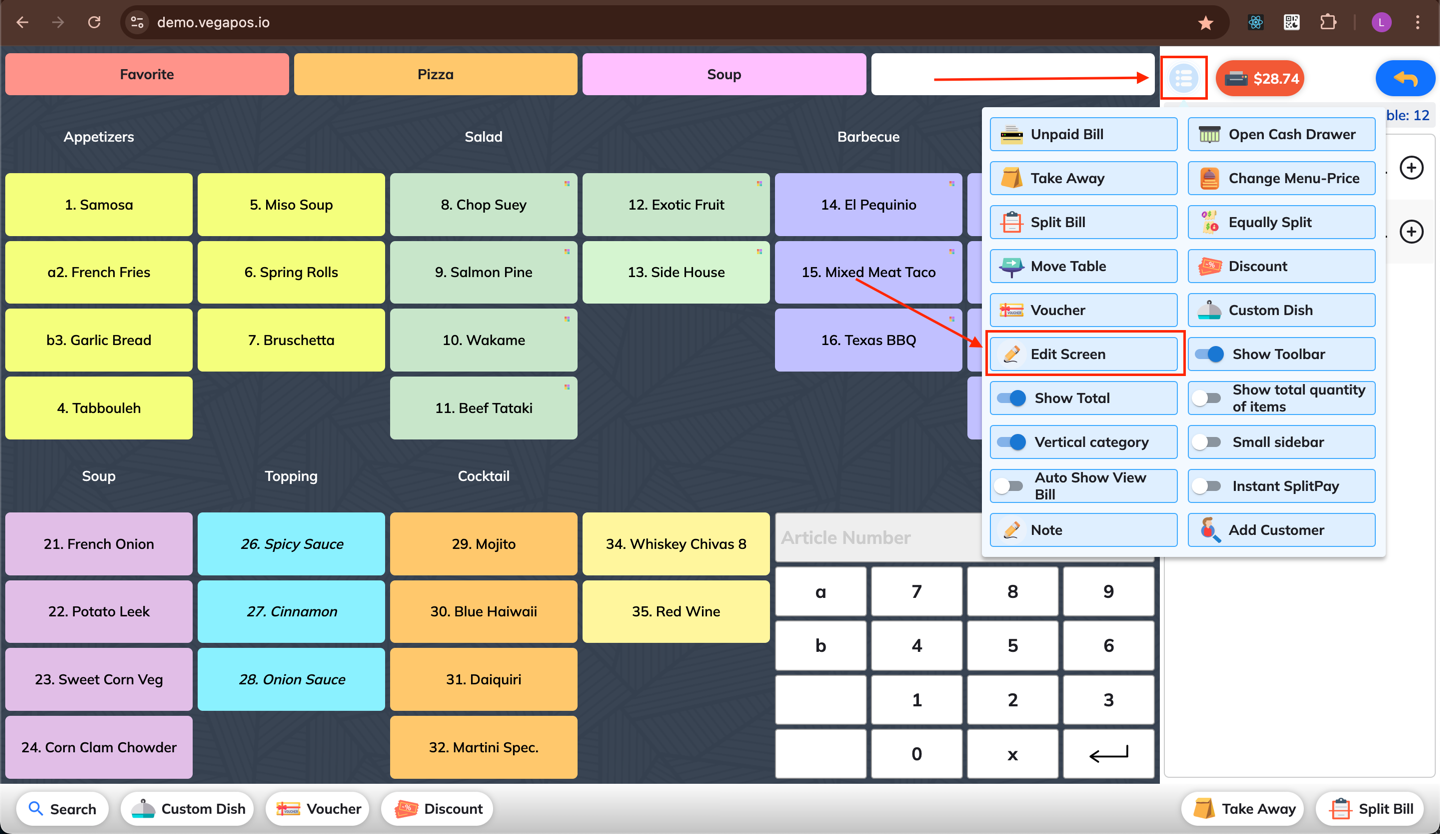
2. Access Edit Screen
Tap the Edit Screen button in the More menu.
3. Adjust Layout Settings
Modify the layout settings based on your needs.
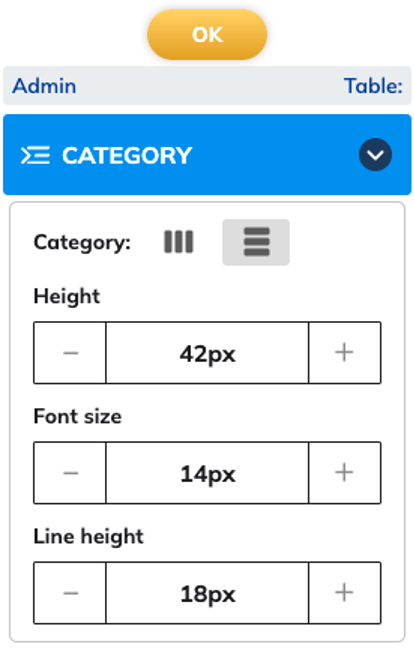
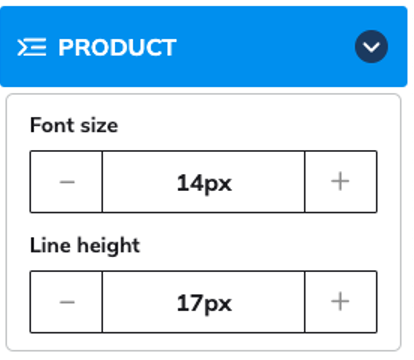
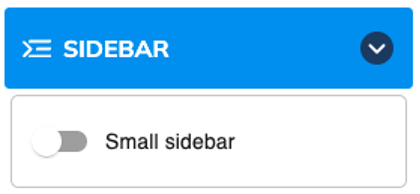
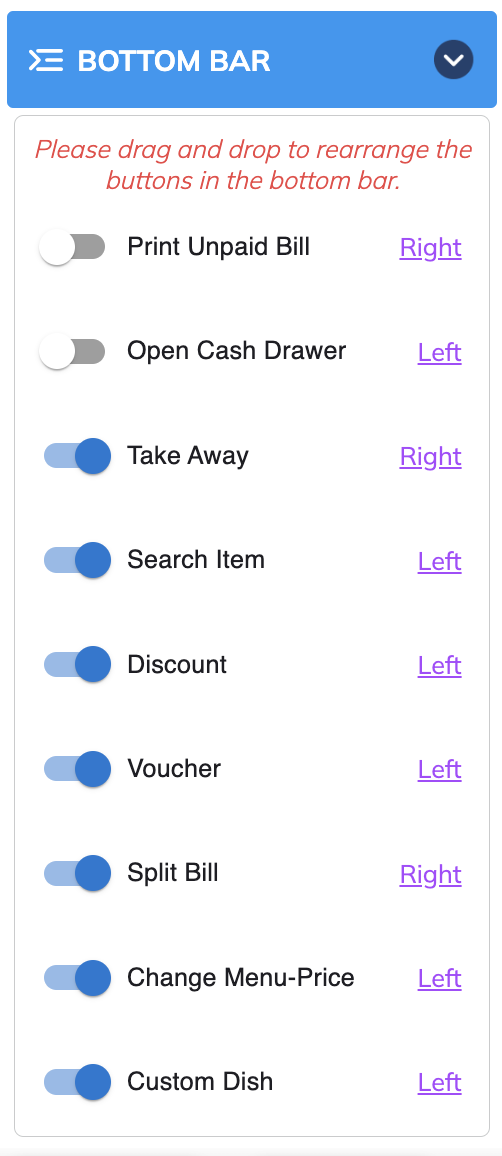
Click Ok to save your changes.
🔧 Example: To make dishes appear larger, increase the Font Size under the Product section.